
Configuration
Settings & Privacy
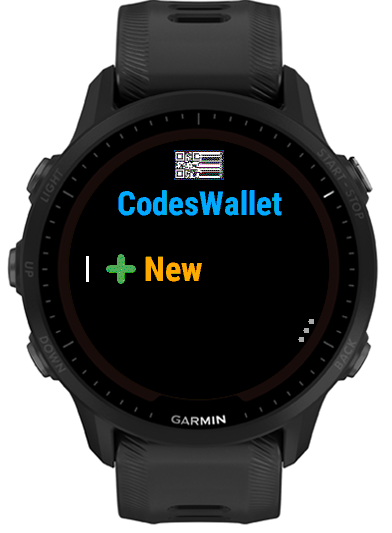
Hold the bottom right button on the watch Home screen (three dots mark it) to open Settings and configure PIN Lock, organization and sorting. Code entries and scanning behavior can also be configured through Garmin Connect IQ on your phone.
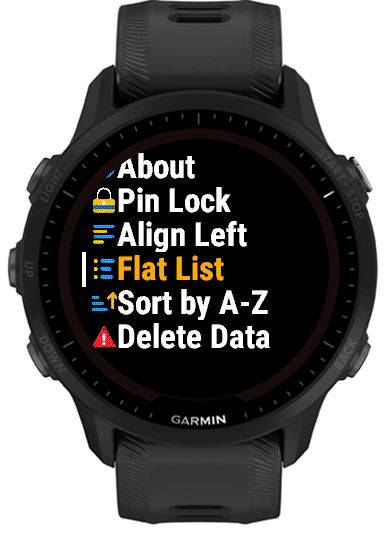
On-watch settings
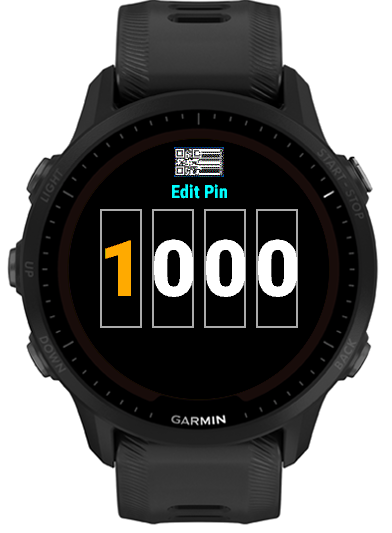
 PIN Lock
- Set a four-digit PIN that is requested whenever CodesWallet opens. Enter 0000 to disable the lock. PIN Lock helps deter casual access, but it does not encrypt saved code content.

 List Alignment
- The row shows the current alignment: Align Left or Align Center. Tap it to switch. This applies to code item rows, Home Menu group rows and the group-selection list.

 Organization
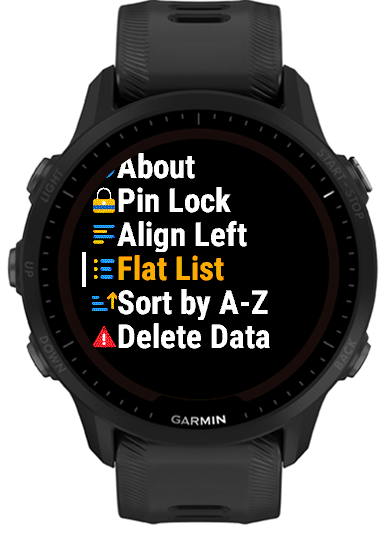
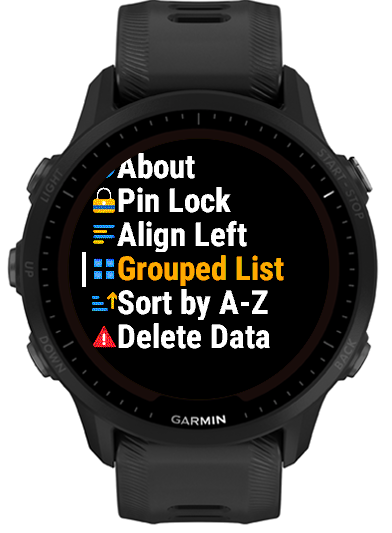
- The row shows the current layout: Flat List or Grouped List. Tap it to switch. Flat places every code directly on Home; Grouped shows All Items plus Favorites and your group rows when present.


 Sort order
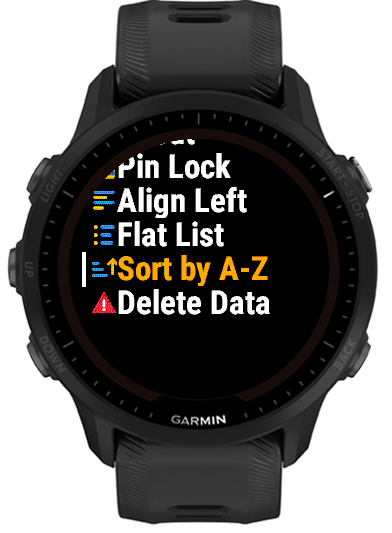
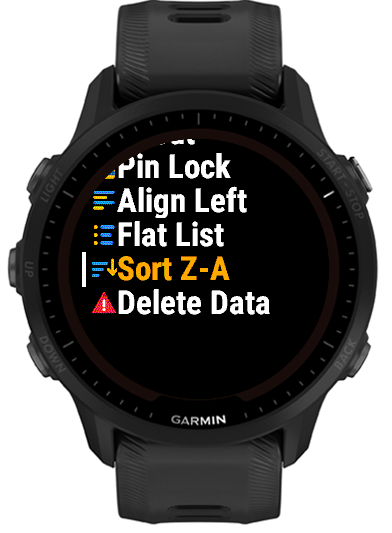
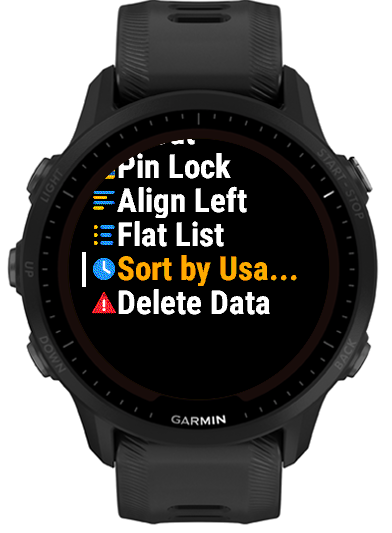
- Tap to cycle through Sort by A–Z, Sort Z–A and Sort by Usage. Usage means most recently viewed first.
 About
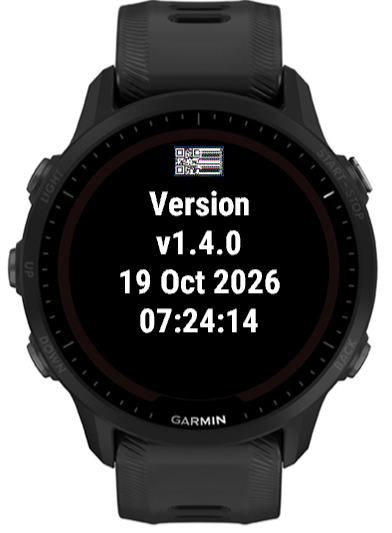
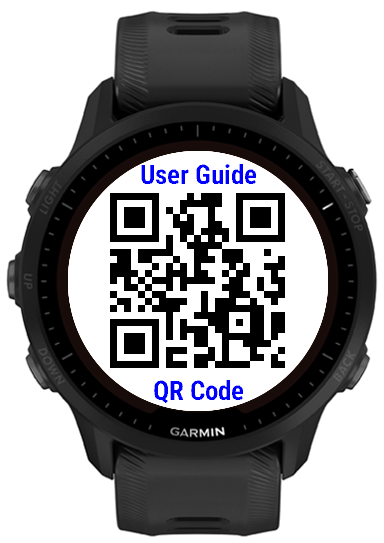
About- Shows the installed app version, build date and time, followed by a QR code that opens this guide - scan it straight from the watch instead of typing a URL.
 Delete Data
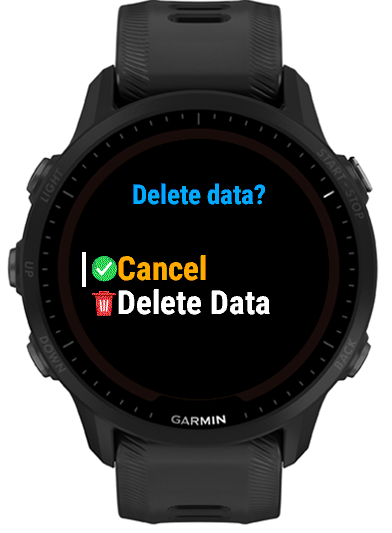
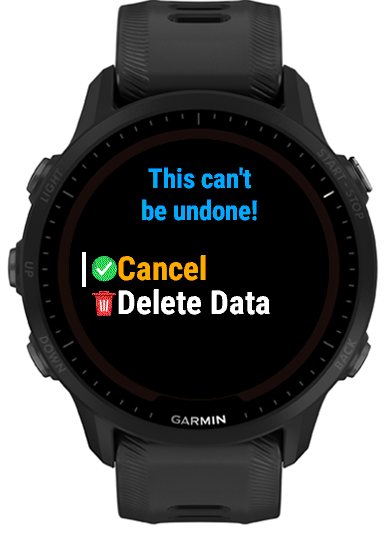
- Clears every saved code and resets PIN Lock, Organization and Sort back to their defaults - effectively a factory reset. Requires confirming twice in a row before anything is deleted, and cannot be undone.
Scanning setting
- Keep Screen Lit For Scanning
- Enabled by default in Garmin Connect IQ settings. Code pages request full backlight brightness for a bounded scanning window when the watch permits it.
Privacy
CodesWallet stores your code labels, values, groups, Favorites and settings locally on your Garmin watch. The watch app has no network permission and does not send this data to the developer. The developer does not collect, sell or share your saved codes or other personal data through the watch app.
If you configure CodesWallet with Garmin Connect IQ, Garmin handles delivery of those settings under Garmin's own privacy practices. If you voluntarily use this website's Feedback & Support form, the message, feedback type, optional rating, optional email address and submission time are stored so the developer can read and respond to it. The submission is processed using Cloudflare and may be emailed to the developer using Resend; it is not sold or used for advertising.
Capacity and maintenance
- Up to 32 item slots can be configured.
- The app is 159–210 KiB, depending on the watch model. Garmin may report a different installed total after adding device resources and saved settings.
- Labels, content, groups, Favorites and format choices are persisted as app properties.
- Review old tickets and temporary codes periodically and delete what you no longer need.
- To clear everything at once instead of deleting items one at a time, use Delete Data in Settings.
- Keep an independent copy of important source values; app removal, reset or storage changes can remove local settings.
Phone settings
To edit code entries or scanning behavior from your phone, open the Garmin Connect IQ app and choose My Device > My Apps > CodesWallet > Settings. Exact wording can vary by Garmin app version and platform.