
At the scanner
Reliable Scanning
A bright, steady screen and the right distance matter more than pressing the watch directly against the reader.
For the cleanest scan
1
Open the code
Confirm the item label and displayed format are the ones you expect.
2
Hold it steady
Face the display squarely toward the reader and reduce glare by changing the angle slightly.
3
Adjust distance
Start several centimetres away, then move slowly closer or farther until it reads.
Maximum brightness while scanning
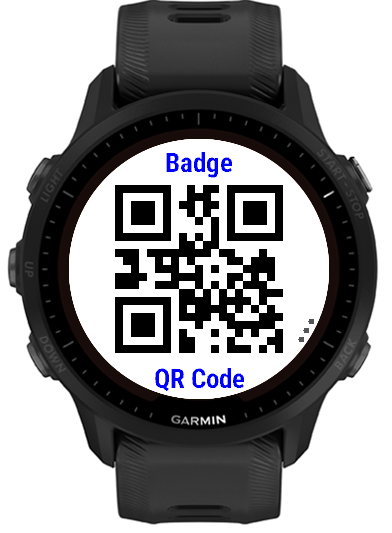
When this setting is enabled, a code display requests maximum backlight brightness. The forced-brightness hold is bounded to about 10 seconds; watch models that restrict backlight control safely remain under system control.
Battery note: maximum brightness is intentionally temporary. Reopen or interact with the display if you need another scan attempt.
If a code does not scan
- Try the UP/DOWN controls to show another compatible included format.
- Clean the watch lens and avoid reflections from strong overhead lights.
- Use QR or another 2D format when the content is too long for a readable linear barcode.
- Check that the stored content matches the original exactly, including leading zeroes.
- Remember that some retail scanners intentionally accept only specific symbologies.